
Games / Puzzle Games / Lightbulb Lane / Guide
How to play Lightbulb Lane
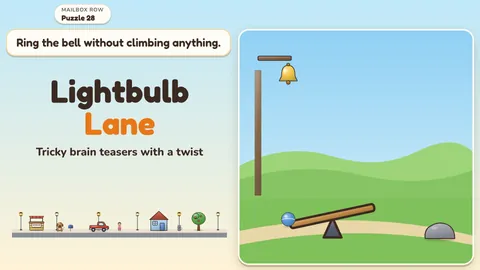
Lightbulb Lane is our collection of tricky brain teasers set on a sunny small-town street. Each puzzle fits on one screen and hides a twist, and the fun is poking around until the answer clicks.
This is our guide to playing Lightbulb Lane. Want to jump straight in? Play Lightbulb Lane right here in your browser.
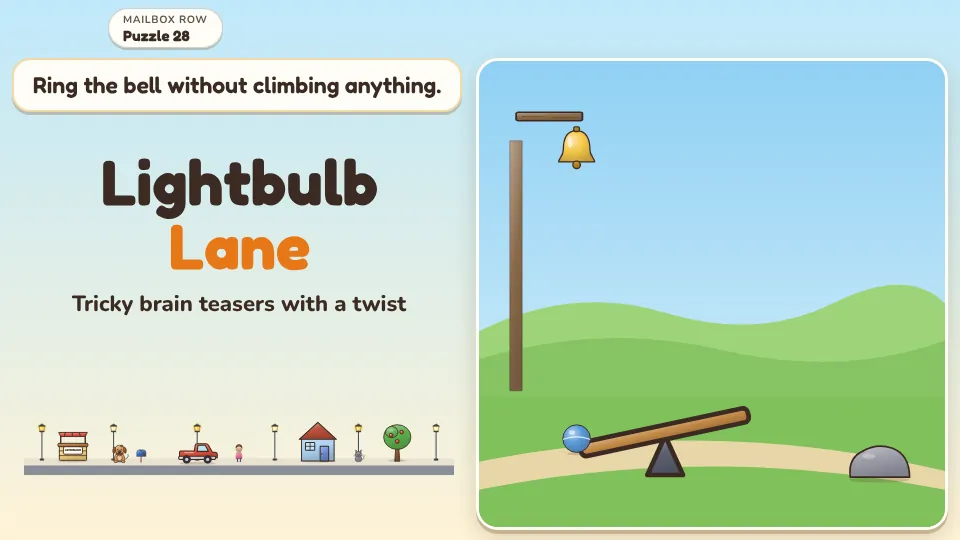
Quick answers
Does Lightbulb Lane work on my phone?
Yes. Lightbulb Lane works with touch on phones and tablets, and with a mouse or keyboard on a computer. It runs in the browser you already have, so there is no app to download.
Do I need an account to play Lightbulb Lane?
No. Just open it and play, with no sign-up. If you like, a free account (username only, no email, for players 13 and older) puts your scores on the leaderboards and backs up your progress so it follows you to any device.
Does Lightbulb Lane save my progress?
Yes. It saves on this device on its own, so you can close the page and pick up where you left off. Sign in with a free account to keep the same progress on your phone and your computer.
How it works
Every puzzle in Lightbulb Lane is a single picture with a question on top in big friendly letters. Read the question, look at the picture, then start trying things. The answer is never hidden in a menu or a fact you were supposed to know already. It's always right there on the screen, waiting for you to look at it from a slightly different angle.
It's free and plays in your browser on a phone, tablet or computer, with nothing to download. A dog named Biscuit lives on the lane and turns up in many of the puzzles, along with a lemonade stand, a blue mailbox, a red pickup truck and a few neighbors.
Each puzzle you solve lights a streetlamp on the lane map. Ten lamps light up a whole block, and the next block opens.
The rules in order
- Read the question. It is the only instruction, and sometimes it is also part of the answer.
- Tap anything in the picture. Things that can move can be dragged, or tapped once to pick them up and tapped again where they should go.
- Some words in the question are orange and underlined. Those words can be dragged into the picture or out of the question, just like objects.
- A few puzzles ask for a typed answer. A number pad or a row of letter tiles appears under the picture.
- Tilt puzzles show two tilt buttons. They tip the whole street, and on a phone you can also turn on the phone's own tilt. Keyboard players can use the left and right arrow keys.
- Wrong tries cost nothing in the lane. A thing that is not the answer gives a friendly wobble, and after a few wrong tries in a row we get a short pause to look again.
- When the puzzle is solved, a lamp lights and the card shows the aha in one line.
On a keyboard, Tab moves between everything you can touch, Enter picks a thing up and puts it down on another thing, the arrow keys nudge whatever you are holding, and H opens a hint.
What kind of thinking helps
Tricky brain teasers reward a playful kind of attention. The questions are honest, but they are worded with care, so the first thing to do is read every word. A question about one thing is not asking about everything else in the picture, so notice exactly what it names.
The second habit is to treat the whole screen as the puzzle. Objects can hide other objects. The question card can hold a word you need. The street itself can tilt. Sometimes the best move is no move at all, because the thing you are waiting for arrives on its own.
The third habit is to try small experiments. Drag the thing you are curious about. Tap the odd-looking corner. Every try teaches you something about the puzzle, and none of them can hurt.
How hints work
Hints are free and never run out. Tap the lightbulb Hint button at the top and a small card opens under the question. Each puzzle has three hints, always in the same order.
- A nudge points your eyes in the right direction without giving anything away.
- A stronger hint names the thing to try.
- The answer says exactly what to do, with a one-line reason so the aha still lands.
Solve a puzzle without opening any hint, and with no more than two wrong tries, and its streetlamp shines gold. A plain lamp is just as lit, and you can come back for gold any time from the lane map. Puzzles finished with the answer hint go on a short list called Stumped?, so you can try them fresh a few days later.
Five example ideas, without spoilers
We don't want to spoil any puzzle, so here are the kinds of ideas you will meet, described loosely.
- Counting where some of the things being counted are tucked behind something that can be moved.
- A question whose own words are the missing piece of the picture.
- A picture that only looks right once the whole street is tipped.
- A small sign that is far too tiny to read until you use the right tool.
- A puzzle where patience is the whole answer, and touching nothing is the clever move.
There are also spot-the-difference puzzles, putting things in order, simple physics like seesaws and ramps, combining two things into something new, and wordplay answers spelled with letter tiles.
The lane, the lamps and the Daily Lightbulb
The lane is made of blocks of ten puzzles, each named for a spot on the street, like Maple Block and Lemon Street. Solve all ten to light the block and open the next one. Inside an open block you can play the puzzles in any order, and any lit lamp can be replayed from the lane map.
The Daily Lightbulb is one extra puzzle each day, the same for everyone on the same day, from a set we keep apart from the lane. The clock starts when you tap Start. Your score is 1,000 points, less 2 for each second, 150 for each hint step and 150 for each wrong try, and it goes on a friendly daily board. Answers to any puzzle can be found if someone really looks, so we keep the board light and just for fun.
Getting better
When you are stuck, list everything on the screen out loud, including the question card. Then ask of each thing: can it move, can it be tapped, could it be hiding something? Most stuck moments end at the one thing you had not touched yet.
Say the question back in your own words. A brain teaser often turns on one small word in it.
If you open a hint, open just the nudge first and give it another go. The gold lamp is gone either way, but finding the last step yourself is the best part. For more puzzles that reward a careful eye, try Pennywort Peek or the riddles in Riddle Roost.
Questions
How do you solve tricky brain teasers?
Read the question slowly, then treat everything on the screen as a possible clue, including the question itself. Try dragging things, tapping odd details and tilting the street. If nothing works, a free hint nudges you toward the twist.
Are the hints really free?
Yes. Every puzzle has three hints, and you can open them as often as you like. Solving without one (and with no more than two wrong tries) earns a gold lamp, and that's the only difference in the lane. On the Daily Lightbulb, each hint step takes 150 points off the score.
Can kids play Lightbulb Lane?
Yes. The puzzles are gentle and kind, nothing is scary, and no puzzle needs outside knowledge. Younger players may like a grown-up reading the question with them.
Do I need to shake or tilt my phone?
No. Tilt puzzles always have tilt buttons on the screen, and arrow keys work on a computer. Using the phone's own tilt is an option, never a must, and no puzzle needs shaking, a microphone or a camera.
Is Lightbulb Lane free?
Yes. It's free to play in your browser on a phone, tablet or computer, with no download and no account needed.
Is there a new puzzle every day?
Yes. The Daily Lightbulb is one puzzle a day, the same for everyone, with a small board for time and hints.
Related guides
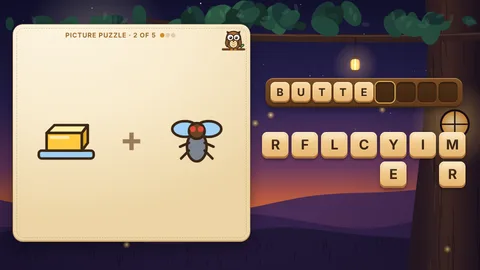 How to play Riddle RoostRiddles and rebus puzzles
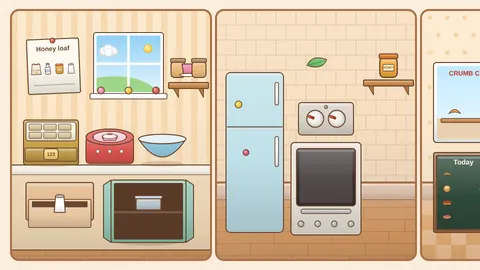 How to play Keyhole CottageEscape room
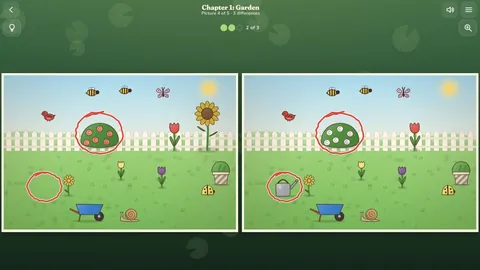 How to play Pennywort PeekSpot the difference
 How to play Pebble PuttMini golf
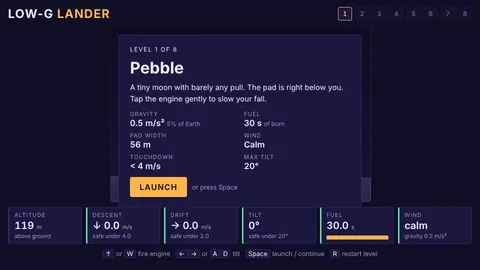 How to play Low-G LanderLunar lander
More to read
You might also like
10 minSavesRiddle Roost
Riddles and rebus puzzlesThree riddles and two picture word puzzles every day, all written by us. Tap letter tiles to answer, lean on free hints, and catch up on past days in the Library.
10 minSavesKeyhole Cottage
Escape roomCozy escape rooms you solve by tapping, picking things up and putting them together. Bake the first loaf in a village bakery, water a sunny greenhouse and polish a lighthouse lamp, with little lock puzzles whose answers hide in each room, hints that nudge in steps, a new room every week and a Daily Lock.