Games / Word Games / Airscape Typing / Guide
How to play Airscape Typing
Airscape Typing is a quick, calm typing speed test. Start typing and we measure your words per minute and accuracy, then show you which keys slow you down and build practice around them.
This is our guide to playing Airscape Typing. Want to jump straight in? Play Airscape Typing right here in your browser.
Missing something you need? Tell us.
Quick answers
Do I need an account to play Airscape Typing?
No. Just open it and play, with no sign-up. If you like, a free account (username only, no email, for players 13 and older) puts your scores on the leaderboards and backs up your progress so it follows you to any device.
Does Airscape Typing save my progress?
Yes. It saves on this device on its own, so you can close the page and pick up where you left off. Sign in with a free account to keep the same progress on your phone and your computer.
Is Airscape Typing OK for kids?
Yes, players of any age can enjoy it. There is no chat and no way to message other players, and nobody needs an account to play. Accounts are for players 13 and older, so younger players just play and their progress stays on their device. For ages 4 to 11 we also have learning games in their own kids area, with no ads, no accounts and no tracking.
What is Airscape Typing?
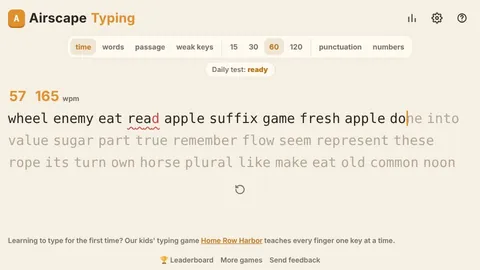
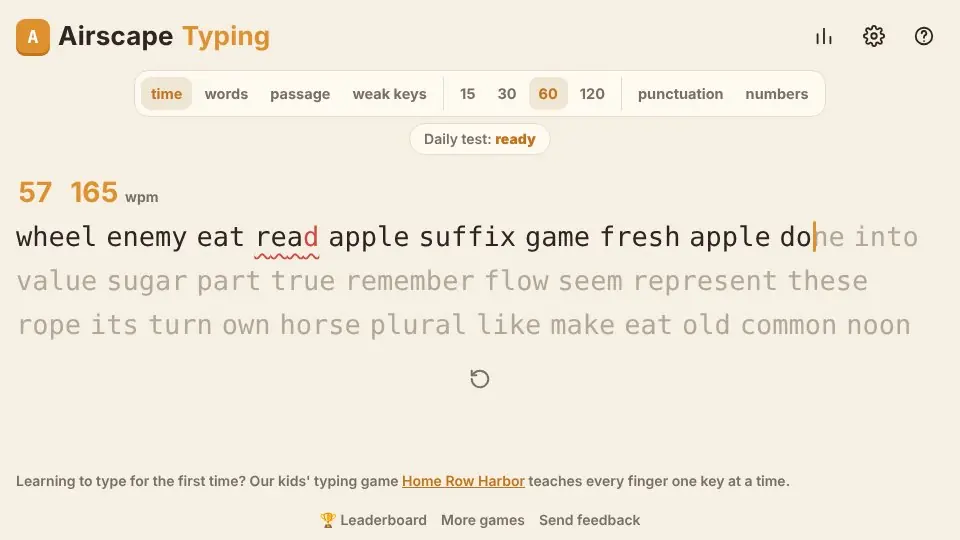
It's a typing test that gets out of the way. The page opens straight onto a line of words. The clock starts with your first key, wrong letters turn red as you go, and when the time runs out you get your speed, your accuracy and a chart of how your speed moved from second to second.
We built it because most people who look up a typing test want two things: an honest number, and a way to make that number go up. So every test also quietly keeps track of each letter you type, how often you miss it and how long it takes you to reach it. After a few tests we know your slow keys, and the weak keys test fills a whole run with words that use them.
How the typing test works
Click or tap the words and start typing. Press Space to finish each word and move on. If you get a word wrong you can press Backspace at the start of the next word to step back into it and fix it. Words you typed correctly are locked, so you can't go back into those.
Press Tab any time for a new test and Esc to restart. On a phone or tablet the on-screen keyboard works fine, though a real keyboard is where typing tests make the most sense.
Test types
- Time: type as much as you can in 15, 30, 60 or 120 seconds. The 60 second test with plain words is the one on the leaderboard.
- Words: a fixed run of 10, 25, 50 or 100 words, timed from your first key to your last.
- Passage: one of 40 short pieces we wrote ourselves, with capitals and punctuation, like typing real sentences.
- Weak keys: 30 or 60 seconds of words built around the five letters that slow you down most.
- Lessons: eight one-minute touch typing lessons. The first uses only the home row keys, and each lesson after it adds a few more until you have every letter.
Turn on punctuation to add capitals, commas, full stops, quotes and the odd question mark, or numbers to mix in numbers. Both change how fast you can go, so each mix keeps its own personal best.
How WPM and accuracy are worked out
Typing speed is counted in five-character words, which is how typing tests have always done it, since real words vary so much in length. We count every character in the words you typed correctly, plus the spaces after them, divide by five and then by the minutes. That's your WPM. A wrong word earns nothing, even if most of it was right.
Raw WPM counts every key you pressed, right or wrong. If your raw speed is a lot higher than your WPM, mistakes are costing you more than slow fingers are. Accuracy is the share of keys that were right the first time. Consistency shows how steady your speed was across the test, and the chart marks each second where you made a mistake with a small red cross.
| Number | What it means |
|---|---|
| WPM | Correct characters divided by 5, per minute |
| Raw | Every key pressed, divided by 5, per minute |
| Accuracy | Keys right the first time |
| Consistency | How even your speed was |
What is a good typing speed?
Most people who type every day but never learned touch typing land somewhere around 35 to 45 WPM. Touch typists who don't look at the keys are usually between 60 and 80, and anything over 100 is very quick. Accuracy matters as much as speed: at 95% or better the corrections stop eating your time.
Short tests flatter you. Fifteen seconds is easy to sprint, so expect your 60 and 120 second scores to be a little lower. They're also a better picture of how you type at work.
The daily test and leaderboards
The daily test is 60 seconds on the same words for everyone that day, with capitals and punctuation. Your first finished run is the one that goes on the daily board, and finishing on following days builds a streak. You can keep going after that just for practice.
If you sign in on the site, your best plain 60 second test also goes on the all-time WPM board. Tests that are very short or under 50% accuracy don't count, so the boards stay honest.
Your stats and slow keys
The chart button at the top shows how many tests you've taken, your average over the last ten, your personal best for each kind of test and a bar for each of your last 40 tests. Below that is a keyboard where each key is shaded by how much it slows you down. You can clear that key data in Settings any time.
Settings also has key sounds, a line or block caret, a larger text size and a switch to hide your live speed while you type, which some people find helps them relax. Turn on the pace caret to race a faint second caret: it types at your best speed for that kind of test, or at 40, 60 or 80 WPM, and the results tell you whether you beat it.
Tips to type faster
- Keep your eyes on the words, not your hands. Speed comes from not looking down, and it's slow for a week before it's fast.
- Rest your fingers on the home row (A S D F and J K L ;) and come back to it after every reach.
- Slow down to get accurate first. A test at 98% accuracy almost always beats a faster, messier one.
- Read a word ahead. While your fingers finish one word, your eyes should already be on the next.
- Use the weak keys test a couple of times a week. Five slow letters can cost you more than every other key put together.
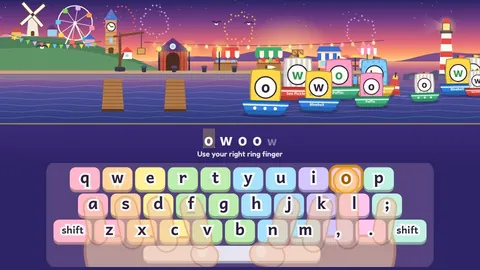
Learning from the very beginning, or helping a child learn? Home Row Harbor is our typing game for kids, with a lesson for every key.
Questions
Is the Airscape Typing test free?
Yes. Every test, the daily test, stats and practice are free, with no sign up and nothing to download.
How is words per minute calculated?
We count the characters in words you typed correctly, including the spaces between them, divide by five and divide by the minutes. Wrong words don't count.
What is an average typing speed?
Most people type around 40 words per minute. Touch typists are usually between 60 and 80, and over 100 is very fast.
Can I take a typing test on my phone?
Yes, the test works with your phone's keyboard, though your score on a real keyboard will usually be much higher.
How do I improve my typing speed?
Don't look at the keys, keep your fingers on the home row, aim for accuracy first and practice the letters that slow you down. Our weak keys test does that last part for you.
Can I learn to touch type here?
Yes. The lessons start with the home row and add a few keys at a time over eight one-minute lessons. Children can start with Home Row Harbor, our typing game for kids.
Is there a daily Airscape Typing puzzle?
Yes. There's a daily puzzle that is the same for everyone that day. A new one arrives at midnight, your time.
What other free word games are like Airscape Typing?
If you enjoy Airscape Typing, try Home Row Harbor (typing for kids), Letter Lantern (five letter word) and Word Huddle (daily word groups). They're all free in your browser too, and the Word Games page lists every one.
Related guides
 How to play Letter LanternDaily word
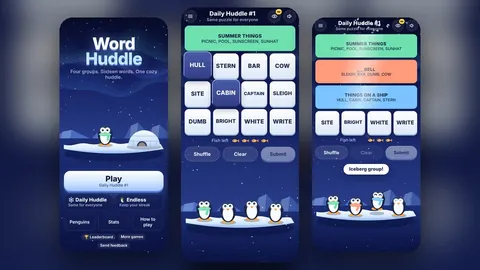 How to play Word HuddleWord groups
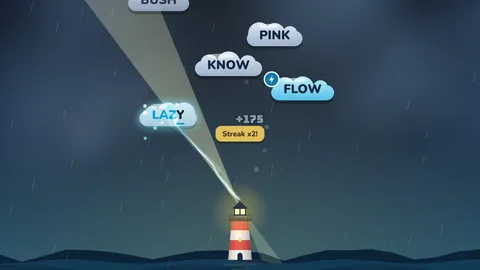 How to play Letter StormTyping action
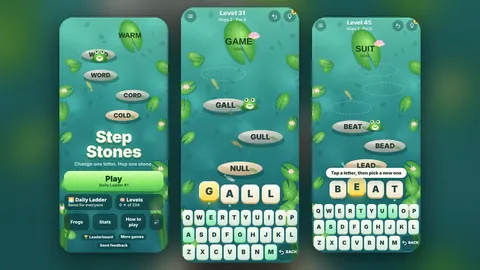 How to play Step StonesWord ladder
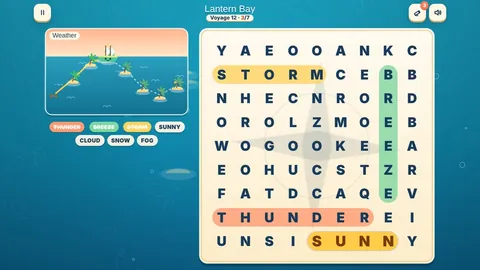 How to play Seek & SailWord search